
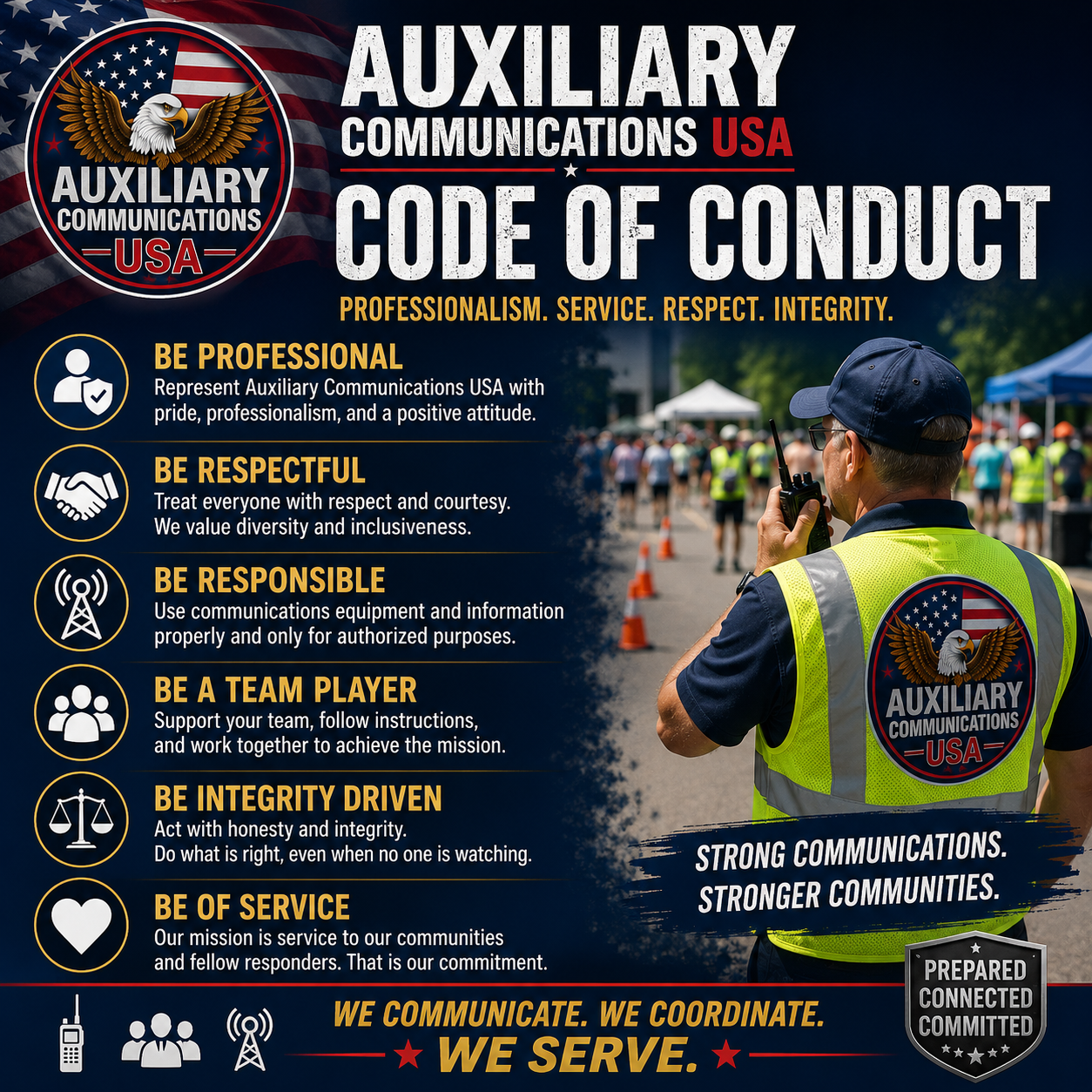
Code of Conduct: The Emergency Operations Center (EOC) & AUXCOMM Radio Operator Etiquette.
Code of Conduct: The Emergency Operations Center (EOC) & AUXCOMM Radio Operator Etiquette.
By Sean Tierney, KB2TUC/WQWL772
The atmosphere changes when you step across the threshold of an Emergency Operations Center (EOC). The casual, conversational world of hobbyist amateur radio vanishes. In its place is a high-stakes, professional environment where information must move fast, accurately, and without friction.
Amateur radio operators serve as a vital lifeline when primary communication infrastructure fails. However, technical skill is only half the battle. Your ability to integrate into an EOC depends heavily on your professionalism, communication discipline, and operational etiquette.
This guide outlines the critical behavioral rules, on-air protocols, and operational workflows required of any ham radio operator deploying to an EOC.
Phase 1: Pre-Deployment and EOC Arrival
Etiquette begins before you even touch a microphone. An EOC is a secure, highly organized facility operating under a strict command structure. Showing up unprepared or unannounced disrupts active operations.
1. Secure Proper Authorization
Never self-deploy to an EOC. Showing up with a radio and a vest without an explicit invitation or activation order is called "freelancing." It creates administrative chaos and security concerns.
● The Rule: Wait for an official activation notice from your Radio Amateur Civil Emergency Service (RACES) officer, Amateur Radio Emergency Service (ARES) coordinator, State / County / Municipal OEM Coordinator or EOC manager.
● The Protocol: Carry your deployment orders, Amateur Radio license, and official agency credentials at all times.
2. Master the "Clean and Professional" Dress Code
You represent the amateur radio community to government officials, emergency managers, and first responders. Your appearance affects how seriously those agencies take you.
● The Rule: Wear the designated uniform of your organization (such as an ARES or RACES polo shirt). If no uniform exists, wear clean, professional attire like khakis or 501 BDU’s and a collared shirt.
● The Protocol: Avoid clothing with political statements, offensive graphics, or overly casual items like flip-flops and ripped jeans. If issued a high-visibility safety vest, wear it according to local EOC safety rules.
3. Streamline Your Gear Strategy
When walking into the EOC, your personal radios must be completely powered off and securely packed inside your Every Day Carry (EDC) bag. Do not walk through the doors with a radio clipped to your belt or an open squelch scanning local repeaters. This prevents accidental transmissions, feedback loops, and unnecessary noise in a tense environment. Keep everything stowed away until you report to your supervisor, receive your official station assignment, and are explicitly told to deploy your equipment.
Phase 2: What to Pack in Your EOC EDC Bag
Space inside an EOC is incredibly limited. You will likely be assigned a small desk, a shared workspace, or a corner in a radio room. Your EDC bag needs to be compact, organized, and focused strictly on high-utility essentials for a standard 12-hour shift.
EOC EDC BAG ESSENTIALS
- Laptop
- HT dual band radio
- Pens, Pencils, Highlighter
- 8 to 12 ft extension cord
- 12v Power Cable & Batteries
- ICS forms & Logbook
- Power bank & charging cables
- Heavy duty over the ear Cans
- Water & Protein Bars
- USB thumb drive
- Coax Adapters
- ID, License, Credentials
Your EDC bag should contain three primary categories of gear:
1. Radio Accessories and Adapters
Many EOCs have permanent, high-gain antennas pre-installed on the roof with coaxial cables routed directly to the radio operating desks. Your EDC bag should optimize your ability to interface with this infrastructure:
● Quality Headset / Over-Ear Headphones: Crucial for blocking out EOC room noise and ensuring you hear weak signals.
● RF Adapters: A comprehensive kit of BNC, SMA-Male, SMA-Female, and
PL-259/SO-239 adapters to connect your handheld radio to the EOC's external antenna system.
● Power Options: A 12V DC cigarette lighter adapter or battery eliminator cable, plus at least one fully charged spare battery. Consideration should be given on having a AA battery clamshell for your radio on hand as well.
2. Administrative Tools
You will handle high volumes of data that must be logged manually if local computer networks fail.
● Writing Utensils: Two black ink pens, two pencils, and a bright yellow highlighter for marking urgent messages.
● Paperwork: Printed copies of blank ICS-213 (General Message) forms and ICS-309 (Communications Log) sheets, alongside a small waterproof notepad.
● Digital Files: A dedicated USB thumb drive containing radio programming software, digital mode software (like Winlink or FLDigi), and the current frequency configuration files (codeplugs) for your local area.
3. Personal Sustenance
An EOC may be locked down or running on emergency rations. You must be entirely self-sufficient for the duration of your shift.
● Hydration and Snacks: A refillable water bottle and high-protein, non-perishable snacks (like protein bars or beef jerky) that can be eaten quickly at your desk.
● Personal Power: A high-capacity USB power bank to keep your smartphone or tablet charged without hunting for an open wall outlet.
● Comfort: A pair of socks, underwear and a sweatshirt or polo shirt should be considered. (Update your EDC Bag at the change of each season.)
Phase 3: Mastering the EOC Environment
Once inside the EOC, you enter a structured world governed by the Incident Command System (ICS). Understanding your place in this ecosystem is critical to maintaining a professional workplace.
1. Respect the Chain of Command
In an EOC, everyone answers to someone. As a ham radio operator, you typically report directly to a Communications Officer (COML) or a RACES Radio Officer, who then reports to the Communications Section Chief or OEM Director depending on the scale of incident.
● The Rule: Never bypass your immediate supervisor to pitch ideas or voice complaints to the EOC Director or Incident Commander.
● The Protocol: Follow all instructions given by your supervisor immediately and without debate. If you spot a systemic communication issue, report it up your direct chain of command quietly.
2. Maintain Absolute Situational Awareness
An EOC can turn from quiet planning to high-intensity chaos in seconds. You must remain aware of your surroundings without contributing to the noise level.
● The Rule: Keep personal conversations to an absolute minimum. The EOC is a workplace, not a radio club meeting.
● The Protocol: Monitor your assigned radios constantly. Never leave your station unattended without notifying your supervisor and securing a relief operator to cover your post. Most importantly, listen closely and remain calm.
3. Practice Strict Information Security (OPSEC)
You will often see and hear sensitive, unverified, or protected information while working in an EOC. This can include casualty numbers, structural damage assessments, or law enforcement movements.
● The Rule: What you see and hear in the EOC stays in the EOC.
● The Protocol: Never post updates, photos, or commentary to social media while deployed. Do not transmit sensitive personal data (like names, medical conditions, or home addresses) over open radio waves unless explicitly ordered and encrypted options are unavailable. Use tactical call signs or approved obfuscation methods if directed by your supervisor.
Phase 4: High-Utility On-Air Etiquette
Transmitting from an EOC requires a complete shift from everyday hobby habits. The goal of emergency communication is the rapid, error-free transmission of data. Every second you waste on poor phrasing or bad habits puts operations at risk. This is the time and place to exercise brevity!
1. Eradicate Hobby Jargon and Q-Codes
When operating on a backyard repeater, using Q-codes (like QSL, QRZ, QTH) and 10-codes is common practice. In an emergency management setting, these codes cause dangerous confusion because different agencies interpret them differently.
● The Rule: Use plain, clear English for all voice transmissions.
● The Protocol: Replace "QSL" with "Copy" or "Message received." Replace "What is your QTH?" with "What is your location?" The only exception is when operating CW (Morse Code) or specific digital modes where standard abbreviations are required by the software protocol.
2. Employ Standard Phonetics Without Deviation
When spelling names, coordinates, or tactical indicators, use the NATO/ICAO phonetic alphabet. Creative, non-standard phonetics (like "Kilo Kilowatt" or "Ocean Waves") confuse listeners and slow down message copying.
● The Rule: Stick strictly to the standard NATO phonetic alphabet.
● The Protocol: Memorize and use the correct terms flawlessly:
○ Alpha, Bravo, Charlie, Delta, Echo, Foxtrot, Golf, Hotel, India, Juliett, Kilo, Lima, Mike, November, Oscar, Papa, Quebec, Romeo, Sierra, Tango, Uniform, Victor, Whiskey, X-ray, Yankee, Zulu.
3. Adopt the "Listen Before You Talk" Rule
Stepping on an ongoing transmission or breaking into an active net with non-urgent traffic is a major breach of etiquette. It can disrupt the flow of life-saving data.
● The Rule: Listen to the frequency for at least 3 to 5 seconds before pressing your Push-To-Talk (PTT) button.
● The Protocol: Make sure the frequency is completely clear. If a directed net is active, do not transmit unless you are called upon by the Net Control Station (NCS), or if you have urgent, life-safety traffic.
4. Perfect the "Think, Listen, Transmit" Workflow
Do not key your microphone until you know exactly what you are going to say. Operators who stutter, trail off, or use filler words like "uh" and "um" tie up valuable airtime.
● The Rule: Write out your message on a notepad before you transmit.
● The Protocol: Keep your messages brief, concise, and focused on a single topic. Key the microphone, pause for one full second to ensure the repeater or digital link doesn't cut off your first word, deliver your message calmly, and release the PTT button immediately.
Phase 5: Proper Message Handling and Logging
In emergency management, a message that is not documented does not exist. Your written records are legal documents that may be reviewed after the incident to piece together the timeline of events.
1. Master the ICS-213 Form
The Standard General Message form (ICS-213) is the universal currency of communication within the Incident Command System. You must know how to transmit and receive this form accurately.
● The Rule: Transmit the text exactly as written by the sender. Do not edit, summarize, or correct the grammar of an official message.
● The Protocol: Read the message at a steady, deliberate pace to allow the receiving operator to write it down. Use the phrase "More to follow" if the message is long, pausing occasionally to let the receiving station confirm they are keeping up.
2. Maintain a Bulletproof ICS-309 Comm Log
The ICS-309 Communications Log is your personal diary of every transmission made during your shift. It provides accountability and acts as a backup if electronic systems crash.
● The Rule: Every single transmission, message sent, message received, and shift change must be recorded in real-time.
● The Protocol: For every entry, log the exact time (standardized to UTC or local 24-hour time as dictated by the EOC), the station you contacted, the frequency or channel used, and a brief summary of the traffic. Never rely on your memory to fill out your log at the end of a shift. Make copies of all forms and logs prior to handing them in to the communications unit leader at the end of your operational period. Retain these copies for a period of 5 to 7 years. You may be required to refer back to them at a future date.
Phase 6: Digital Mode Discipline
Modern EOC operations rely heavily on digital modes like Winlink, FLDigi, and JS8Call to send error-free text and files. Operating these modes requires its own unique brand of technical etiquette.
1. Keep File Sizes Microscopic
Radio bandwidth is painfully slow compared to commercial internet connections. Sending a large, uncompressed file over HF or VHF digital networks can freeze a frequency for an hour, blocking all other emergency traffic.
● The Rule: Keep attachments as small as possible. Never send raw images, PDFs, or Word documents unless specifically ordered.
● The Protocol: Compress images down to low resolutions (under 50 KB). Use optimized, plain-text templates built into applications like Winlink to send structured data without wasting bandwidth.
2. Confirm Link Closures
When a digital session ends, failing to properly disconnect from a gateway or peer-to-peer station leaves the channel hanging, preventing other stations from connecting.
● The Rule: Always verify that your digital station has cleanly disconnected before walking away from your terminal.
● The Protocol: Watch the software log to ensure the disconnect command (such as a Winlink "Disconnect" confirmation) is completed. If a connection freezes, manually abort the session to clear the frequency.
Phase 7: The Shift Handover and Demobilization
How you exit your shift is just as important as how you enter it. A sloppy handover can cause the incoming operator to drop critical tasks, breaking the continuity of operations.
1. Conduct a Thorough Briefing (The ICS Handover)
Never leave your post the moment your relief walks through the door. Plan for a 10 to 15-minute transition period to get the new operator up to speed.
● The Rule: Guide your replacement through the current state of operations before handing over the microphone.
● The Protocol: Review outstanding messages, pending requests, active frequencies, known technical issues, and any specific instructions from the Communications Officer. Make a final entry in your ICS-309 log noting the exact time you handed over the station and the name of the new operator.
2. Clean and Reset the Station
Leaving a messy, disorganized workspace is highly unprofessional and slows down the incoming shift.
● The Rule: Leave your assigned workspace cleaner than you found it.
● The Protocol: Wipe down the desk, microphone, and keyboard with sanitizing wipes. Throw away trash, organize paperwork, and leave blank logs and pens ready for the next operator. If you are packing up your gear, place it directly back into your EDC bag quietly to avoid disrupting active communications around you.
3. Participate in the Hot Wash (Debrief)
Before leaving the facility, you may be asked to join a "Hot Wash"—a quick debriefing session held immediately after an incident or shift rotation to discuss what went well and what went wrong.
● The Rule: Keep feedback constructive, professional, and focused on systems rather than individuals.
● The Protocol: Share any technical bottlenecks, procedural issues, or equipment failures you noticed during your shift. Use this time to help improve future emergency responses, then officially sign out with the EOC safety officer or check-out desk to confirm your safe departure.
Employing these strategies the next time you step across the EOC door threshold along with leveraging lessons learned from continuing education will establish your credibility and professionalism.
Sean Tierney (KB2TUC / WQWL772) serves as the AuxComm Coordinator for Hunterdon County NJ, where he oversees the integration and operations of RACES, ARES, and SKYWARN program initiatives.
A DeVry University alumnus, Sean pairs strategic leadership with 39 years of radio experience, featuring a 27-year track record in emergency communications and 30 years as an RF technician. He holds elite public safety credentials as a certified All-Hazards Communications Coordinator (COML), Communications Technician (COMT), and Auxiliary Communications (AUXC) specialist, alongside the FEMA Professional Development Series (PDS) certification.
His frontline technical expertise supports public safety infrastructure through positions with Wireless Communications & Electronics, a Motorola Dealer as a technical manager and the Hunterdon County Department of Public Safety as a per diem comm tech.
Connect with Sean on LinkedIn to collaborate on emergency management, mission-critical communications, and agency interoperability.